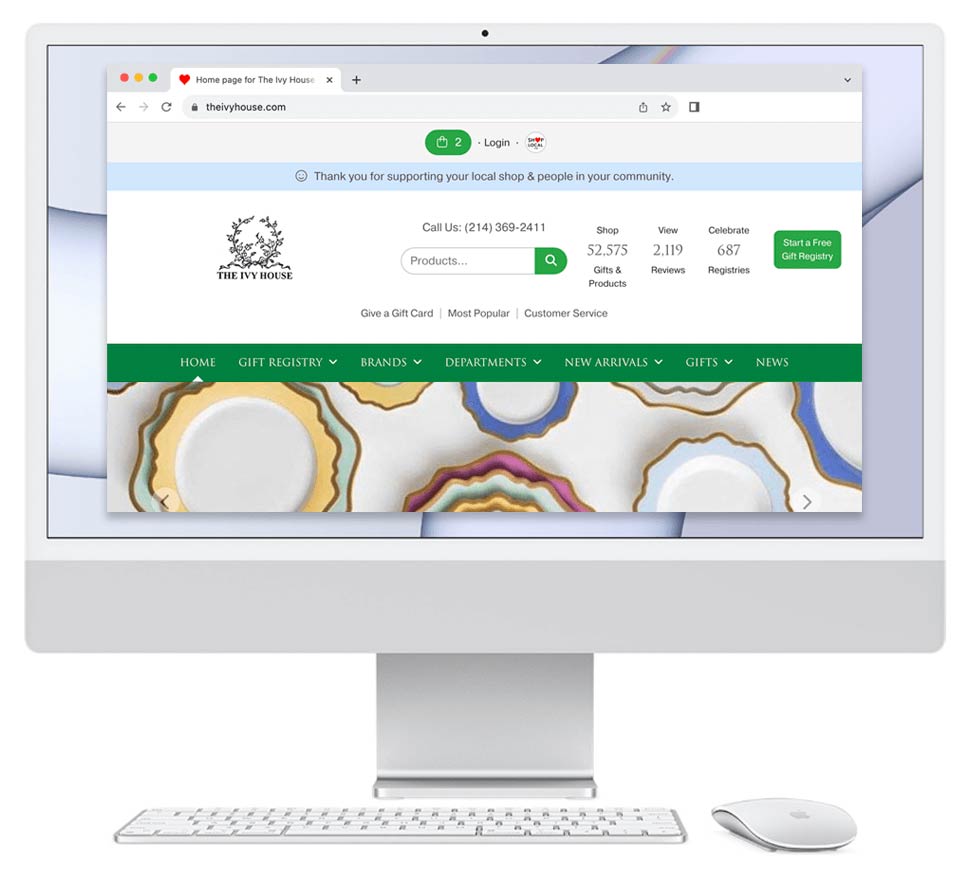
- Please log in to your Shop Local account.
- At top of your account, there is a horizontal dark gray bar with a search box that says "Search products, brands, people, registrants, news...." Please enter the brand that you'd like to unsync and click on the green search button.
- Once you find the brand that you wish to unsync, click the brand's name.
- A modal will appear allowing you to manage your relationship with the brand. Click Unsync.
- A modal will appear asking you to confirm you wish to unsync. Please click Yes. The modal will close and the page will refresh. You are now unsynced from that Syncing brand.