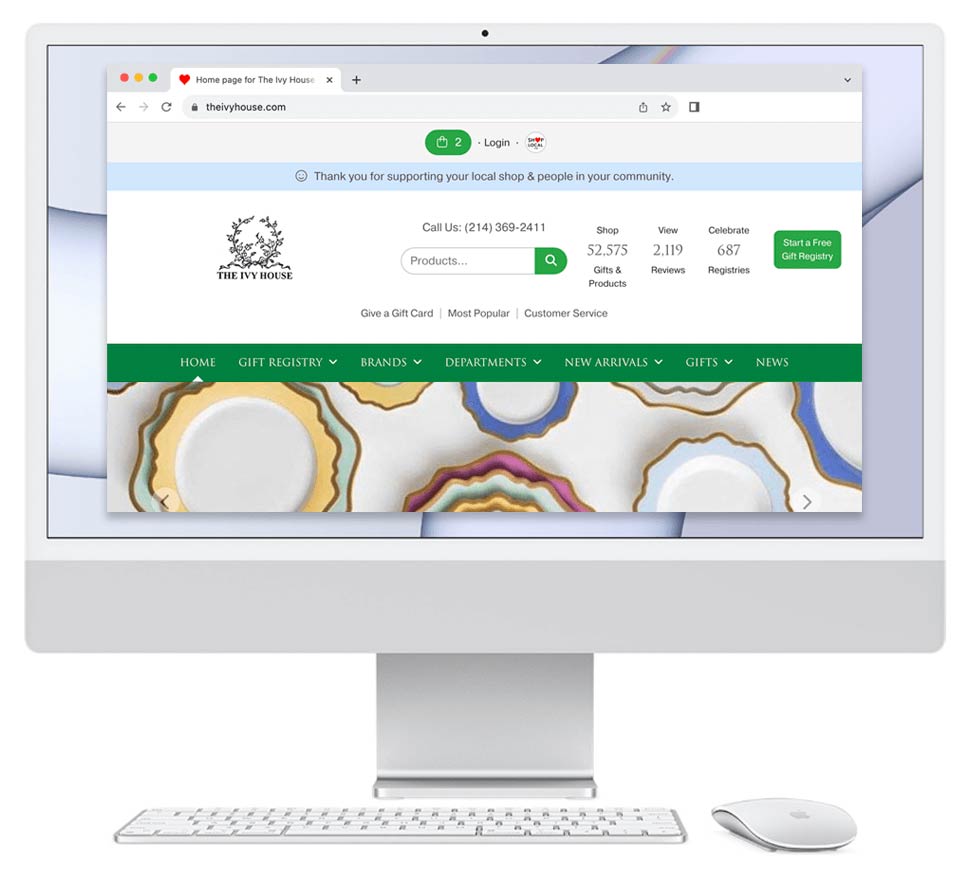
Having online reviews is valuable for your store for several reasons. Reviews:
- Help build trust and confidence with potential customers.
- Improve your visibility and ranking on Google and other search engines.
- Act as important signals for AI platforms like ChatGPT and Gemini, helping your store appear in AI-generated recommendations and search results.
- Provide quick and efficient customer feedback, allowing you to better understand the customer experience and identify opportunities for improvement.
Many customers are more comfortable leaving a review online than sharing feedback in person or over the phone, making reviews an easy and effective way to gather insights while strengthening your online presence.
How Does Our Software Generate Reviews for Your Business?
Our software helps generate reviews by automatically reaching out to your customers and registrants after they make a purchase through your Shop Local Store.
Soliciting Customers for Reviews
After a purchase is completed, Shop Local sends an automated email and text asking the customer to review their shopping experience with your store. We do not ask customers to review the product itself — we ask them to review the overall experience shopping with your business.
- Registry purchases: Review requests are sent approximately 5 days after the purchase.
- Non-registry purchases: Review requests are sent approximately 8 days after the purchase.
Registry customers receive review requests sooner because many registry gifts are fulfilled as registry credit, so there is often no physical product to ship, deliver, or pick up before the customer can evaluate their experience.
If the customer does not respond to the first request, Shop Local sends one reminder email approximately 3 days later.
In total, Shop Local sends up to 2 review request emails and 1 text per customer.
Soliciting Registrants for Reviews
Shop Local also helps generate reviews by reaching out to registrants after their wedding date.
Approximately 2 weeks after the wedding, Shop Local emails and texts the registrant asking them to review their registry experience with your store. We ask them to review the overall experience of registering with your business, including the service and support they received throughout the process.
If the registrant does not submit a review, Shop Local sends one reminder email approximately 3 weeks later.
In total, each registrant receives up to 2 review request emails and 1 text.
Why Ask Customers for Reviews?
Customer reviews are one of the most valuable forms of content for your online store. Reviews help search engines like Google better understand your business and can improve your visibility in search results.
Reviews also help build trust with future shoppers. Customers often feel more confident purchasing from a store when they can read authentic feedback from previous customers and registrants.
Another major benefit of collecting reviews directly on your Shop Local Store is that the content lives on your website — not solely on third-party review platforms. This gives you greater visibility into customer feedback and allows you to respond more quickly and effectively when needed.
If a customer leaves a negative review, you are notified immediately and can address the situation directly with the customer. In some cases, you may also choose to remove inappropriate reviews. By allowing customers to share feedback directly through your site, you create an opportunity to resolve concerns early and provide better customer service before frustrations are shared elsewhere online.
What Happens if Your Store Receives a Bad Review?
If your store receives a 1-star or 2-star review, Shop Local will send an email alert to help ensure your team is aware of the feedback and can respond appropriately.
These alert emails are sent on the 7th of each month and are delivered to any Team Member subscribed as a Sales Manager on your General Settings page.
To access your General Settings page:
- Hover over Management
- Click General Settings
By receiving these alerts, your team can quickly review customer concerns, improve communication, and address issues before they escalate further.
What Should You Do if Your Store Receives a Bad Review?
If your store receives a negative review, the first step is to carefully review the feedback and determine whether it accurately reflects the customer’s experience with your business. From there, you can decide whether the best next step is to contact the customer or remove the review.
Contacting the Customer
If the customer or registrant shares a legitimate concern or challenge they experienced with your store, we recommend responding promptly and professionally. You may:
- Add a public comment directly to the review
- Contact the customer privately to better understand and resolve the issue
Responding thoughtfully to feedback can help strengthen customer relationships and demonstrate excellent customer service.
Removing the Review
If the review appears fraudulent, irrelevant, inappropriate, or does not accurately reflect your business, you may choose to remove it from your Shop Local Store.
For steps on how to edit or delete a review, please visit: Delete or Edit a Review Help Document
How Does Shop Local’s Review Software Compare to Yelp’s?
One of the biggest advantages of Shop Local’s review software is that it is directly connected to your customer and registry purchase data.
Because Shop Local knows who made a purchase, along with their email address and purchase date, the software can automatically send review requests at the right time — when the shopping experience is still fresh in the customer’s mind.
Third-party review platforms like Yelp typically do not have access to your customer transaction data. As a result, they rely on customers to independently visit their site and leave a review on their own.
By automating the review request process, Shop Local helps your store generate significantly more reviews, more consistently, while also keeping valuable customer feedback directly connected to your Shop Local Store.
Can Your Store Turn Off Review Solicitation?
Yes. Your store can choose to turn off the automated review solicitation feature; however, we generally discourage doing so.
Customer reviews help strengthen your online presence, improve your Google visibility, support AI-driven discovery tools like ChatGPT and Gemini, and build trust with future shoppers. Turning off review requests may reduce the number of reviews your store receives over time.
If you would still like to deactivate review solicitation, you can follow the steps in this help document: Turn Off Review Request Feature Help Document